
Last Updated on August 25, 2026
Use Free AI Models Directly in Microsoft Word
What if you could use multiple AI models directly from Microsoft Word without being locked into a single AI provider? The AI models can be either on your machine or in the cloud. That is the idea behind Hybrid AI in Word.
Instead of depending entirely on Microsoft Copilot or a single cloud AI provider, a hybrid workflow allows Microsoft Word to work with different AI models depending on the task.
With OpenRouter, you can access a large selection of AI models through a single API. OpenRouter also maintains a collection of free models that can be used without charge, if you’d like to minimize the cost to zero.
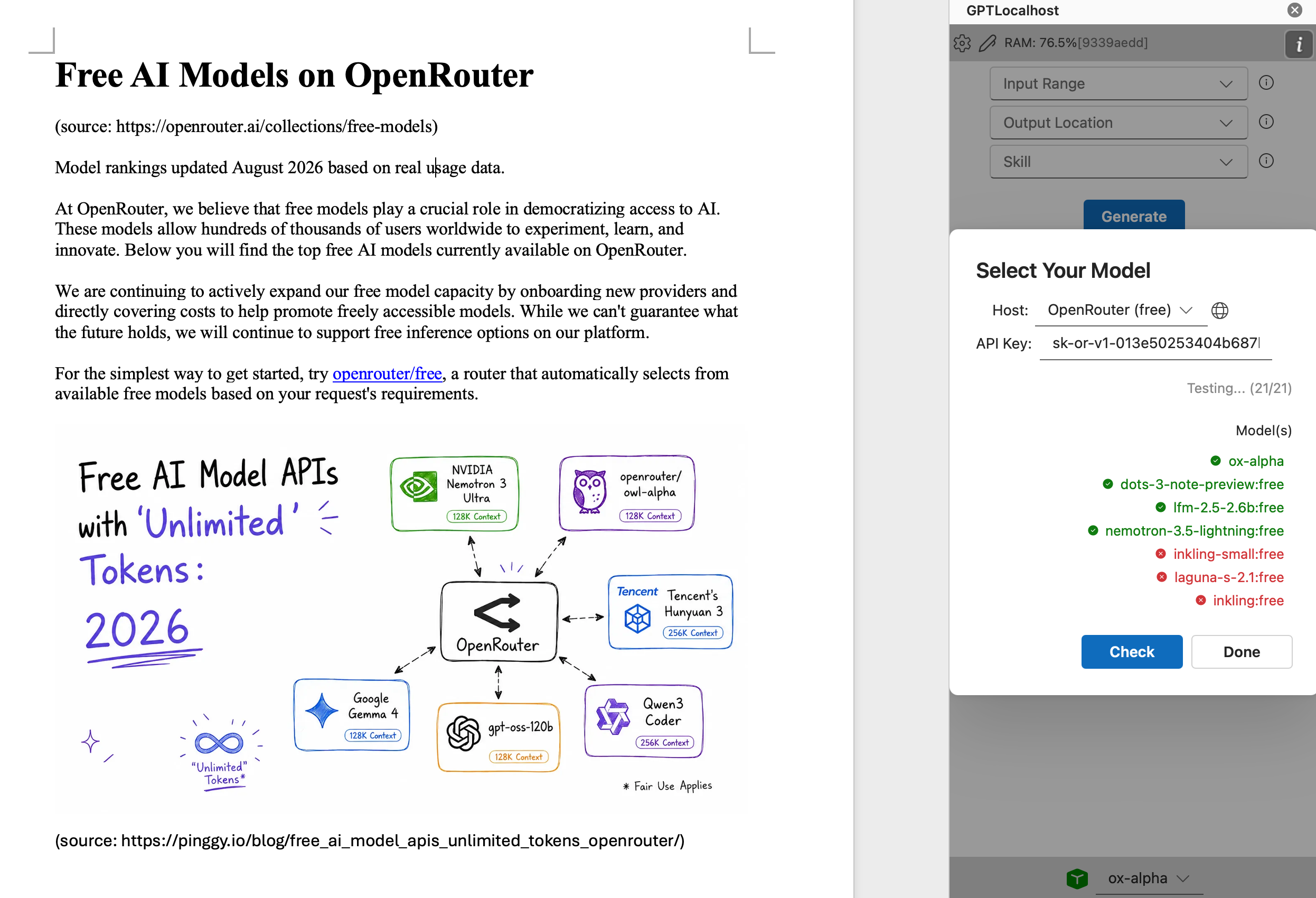
The important advantage is flexibility. OpenRouter gives you a common API layer through which you can access different models. GPTLocalhost provides a local Word Add-in so that you can use these models seamlessly.
Part of the Hybrid AI Strategy Guide: This post is a deep-dive cluster page within our Hybrid AI Integration series—your definitive roadmap for bridging high-performance cloud intelligence with total local data control.
Free AI Models
OpenRouter currently lists a collection of models with $0 per million tokens for input and output. These models are useful for testing different prompts using a Hybrid AI in Word workflow without immediately paying for API usage. Once your Word integration is connected to OpenRouter, switching models can generally be done by changing the model identifier.
How to Set Up OpenRouter for Hybrid AI in Word
Step 1: Create an OpenRouter Account and API Key
First, create an account with OpenRouter. After signing in, create an API key that your Word integration can use to communicate with OpenRouter. Your Word AI integration will need the OpenRouter API key to authenticate requests, even though the inference fee is zero.
Step 2: Select a Free Model
Once OpenRouter is configured, GPTLocalhost will filter and provide free models for you to select in Word. The model list is from the current OpenRouter free-model collection. You can click Check button to test which models are available.
OpenRouter Free Models
OpenRouter currently lists the following free models. The available models can change, so check the OpenRouter free-model collection before configuring your Word integration.
Ox Alpha
Ox Alpha is a reasoning model designed for coding, sustained agentic work, production workloads, long-horizon software engineering, complex reasoning, and workflows combining text with visual context.
NVIDIA Nemotron 3 Ultra
NVIDIA Nemotron 3 Ultra is a large reasoning and orchestration model designed for long-running agentic workflows, coding agents, deep research, complex enterprise tasks, multi-step reasoning, and planning.
Poolside Laguna S 2.1
Poolside Laguna S 2.1 is a coding-agent model designed for software engineering and agentic coding workflows, making it a useful option when your Hybrid AI in Word workflow includes programming or technical content.
NVIDIA Nemotron 3.5 Lightning
NVIDIA Nemotron 3.5 Lightning is a compact mixture-of-experts model designed for high-throughput agentic workloads and specialized tasks.
NVIDIA Nemotron 3 Super
NVIDIA Nemotron 3 Super is a large hybrid mixture-of-experts model designed for complex multi-agent applications, long-context reasoning, cross-document analysis, and multi-step task planning.
Cohere North Mini Code
Cohere North Mini Code is an agentic coding model optimized for code generation, software engineering, terminal tasks, reasoning, and tool use.
Poolside Laguna XS 2.1
Poolside Laguna XS 2.1 is a smaller coding-agent model that combines reasoning and tool calling with a 256K context window for efficient agentic coding workflows.
Dots3-Note Preview
Dots3-Note Preview is an open-weight mixture-of-experts model designed for reasoning, coding, multimodal understanding, long-context processing, and multi-step agent workflows.
Thinking Machines Inkling
Thinking Machines Inkling is an open-weight multimodal model designed for general reasoning, coding, agentic workflows, tool use, RAG, instruction following, multilingual applications, and image and audio understanding.
NVIDIA Nemotron 3 Nano Omni
NVIDIA Nemotron 3 Nano Omni is a multimodal model that can accept text, images, video, and audio, making it particularly interesting for document and media-related Hybrid AI workflows.
Z.ai GLM 5.2
Z.ai GLM 5.2 is a large reasoning model designed for long-horizon agent workflows, project-level software engineering, complex automation, coding, and tool use.
Thinking Machines Inkling Small
Thinking Machines Inkling Small is a smaller and more efficient Inkling model designed for reasoning, coding, agentic workflows, RAG, instruction following, and multilingual conversation.
NVIDIA Llama Nemotron Rerank VL 1B V2
NVIDIA Llama Nemotron Rerank VL 1B V2 is a multimodal reranking model designed for visual document retrieval involving charts, tables, infographics, images, and text.
LiquidAI LFM2.5-2.6B
LiquidAI LFM2.5-2.6B is a compact reasoning model suited to agent workflows, data extraction, RAG, and long-context processing.
Google Gemma 4 26B A4B
Google Gemma 4 26B A4B is a multimodal mixture-of-experts model supporting text, images, and video, along with function calling, configurable reasoning, and structured output.
NVIDIA Nemotron 3 Embed 1B
NVIDIA Nemotron 3 Embed 1B is an embedding model designed for retrieval, enterprise search, RAG, code retrieval, and agentic retrieval workflows rather than ordinary text generation.
Which OpenRouter Free Model Should You Use?
There is no single best free model for every Hybrid AI in Word task. For general writing, rewriting, summarization, and document assistance, a general-purpose reasoning model may be the most useful. If you do not want to manually choose a model, OpenRouter also provides the openrouter/free router, which automatically selects from available free models.
Once your Word integration is connected to OpenRouter, the basic workflow is simple.
- Select text in Microsoft Word.
- Click “Generate” to send the request to OpenRouter.
- OpenRouter sends the request to the selected free model.
- The AI model generates a response.
- The response is returned to your Word integration.
- No more copy and paste.
This turns Microsoft Word into a flexible AI writing environment without requiring you to constantly switch between Word and an AI chat application.
Important: Free Models Can Have Different Privacy Policies
Do not assume that every OpenRouter free model handles your data in exactly the same way.
For example, OpenRouter’s current listing says that free use of Poolside Laguna S 2.1 may involve inputs and outputs being used to train and improve its models. The listing for Ox Alpha, on the other hand, states that prompts and completions are retained by the provider but are not used for training. LiquidAI’s current listing also states that prompts and outputs may be retained and used to train Liquid models.
If you are working with confidential contracts, customer information, proprietary business documents, financial information, or other sensitive material, the best way is to use local models only. GPTLocalhost is designed as local-first and runs as a local Word Add-in, which allows you to run local model easily and natively.
Free Does Not Mean Unlimited
Another important consideration is that free AI models may have rate limits, availability restrictions, or changing capacity. OpenRouter states that it is actively expanding free-model capacity but cannot guarantee what the future free-model lineup will look like.
For this reason, a good Hybrid AI in Word integration should make it easy to change models, especially using unlimited local models when possible.
OpenRouter Free Models vs. Microsoft Copilot
| Feature | Microsoft Copilot | Hybrid AI in Word + OpenRouter |
|---|---|---|
| AI Integration | Built into Microsoft ecosystem | Custom integration |
| Model Choice | Limited to Microsoft’s supported models | Multiple OpenRouter models |
| Free AI Models | Depends on Microsoft plan and features | Multiple $0 models available |
| Model Switching | Limited | Flexible |
| Local Processing | Limited control | Can be combined with local processing |
| Customization | Limited | Highly customizable |
Final Thoughts
Hybrid AI in Word gives you a different way to think about AI-assisted document work. Instead of treating Microsoft Word as an application that is permanently tied to one AI assistant, you can use Word as the interface and choose the AI model that best fits the task. The model can be local or remote. The choice is yours.
